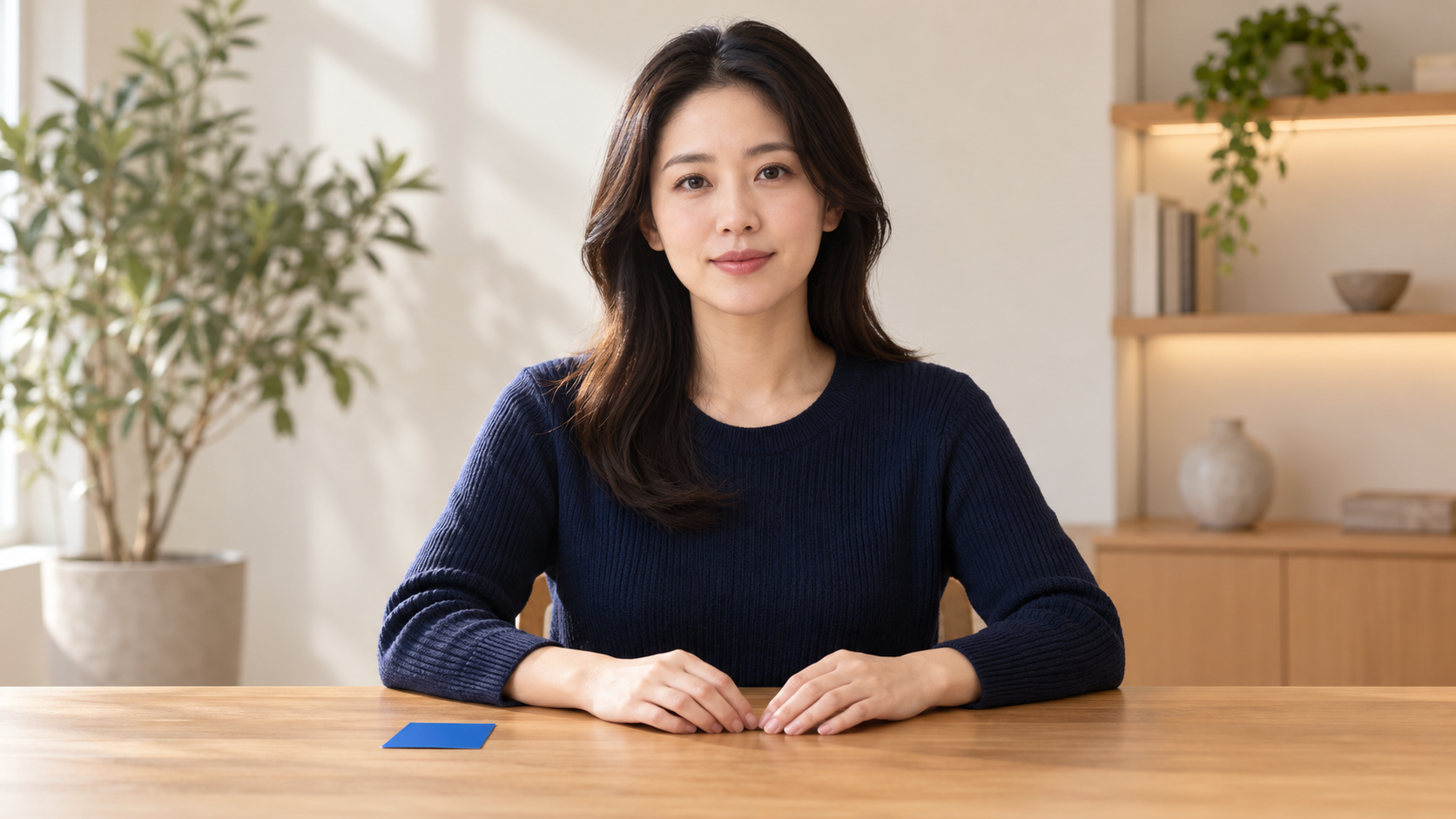
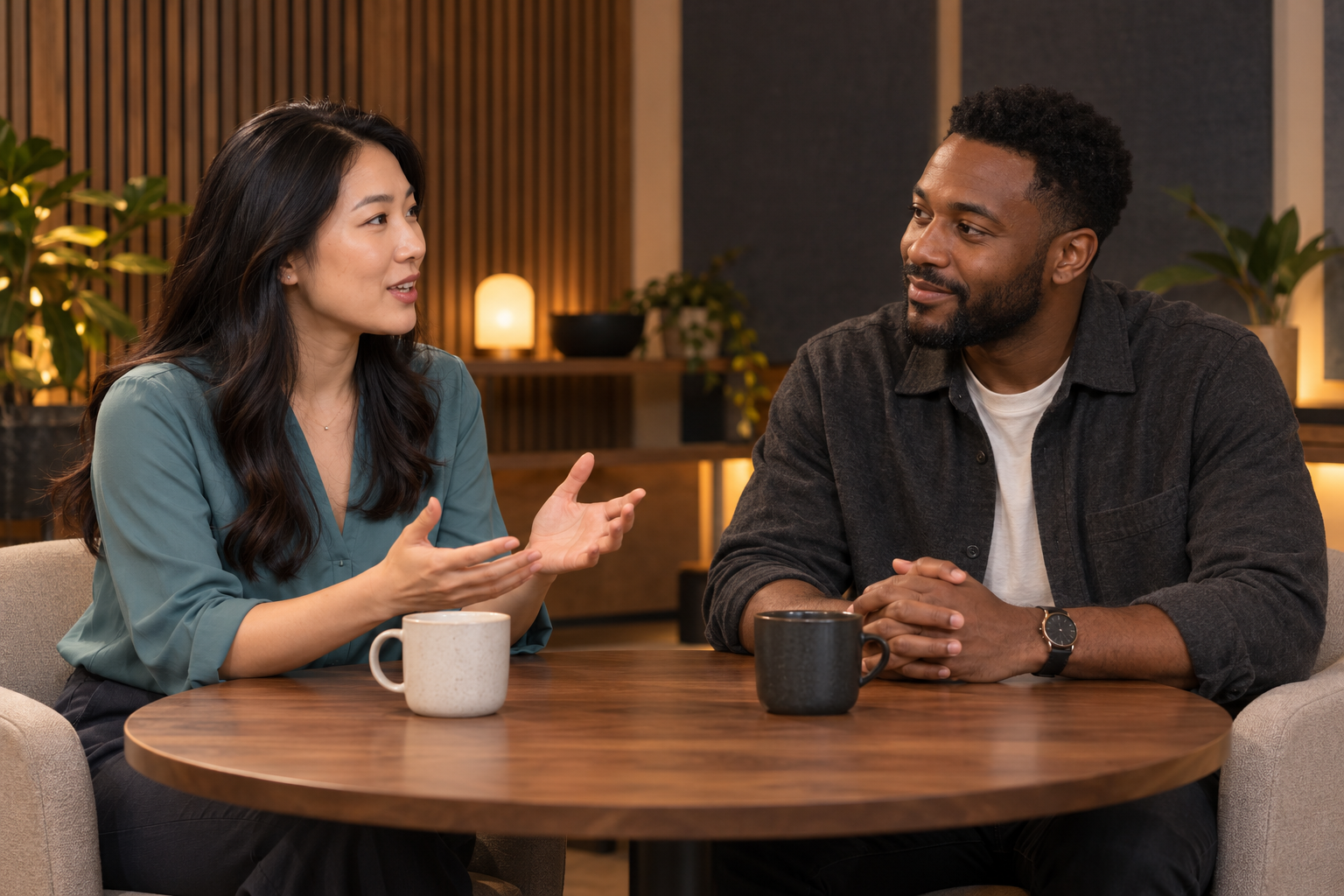
PhotoJPG, PNG, WebP, BMP, TIFF, GIF, HEIC or HEIF; under 30 MB. Each side must be 300–6,000 px, with a 0.4–2.5 aspect ratio.
AudioMP3 or WAV, 4–300 seconds, under 15 MB. The uploaded recording supplies the spoken words; typing a script does not generate speech.
CreditsThe cost is 1 credit per second of uploaded audio, rounded up. See Pricing for credit packs.
COMMON QUESTIONSAI Talking Photo Generator FAQ
Find answers about photo and audio requirements, voice recordings, generation costs, video downloads, and how to get better talking photo results.
What is an AI talking photo generator?
An AI talking photo generator turns a still image into a video where the subject appears to speak. This tool uses an uploaded photo and an audio recording to generate lip movements, facial expressions, and other motion.
Can I make a photo talk using only text?
No. This tool requires a spoken audio file. A text prompt can guide gestures or facial expressions, but it cannot turn a written script into speech.
Can I use my own voice?
Yes. Record your voice separately, then upload it as an MP3 or WAV file. The tool uses the recording you provide; it does not record your voice or clone it.
What photo and audio files can I upload?
Supported image formats include JPG, PNG, WebP, BMP, TIFF, GIF, HEIC, and HEIF. Images must be under 30 MB, with each dimension between 300 and 6,000 pixels and an aspect ratio from 0.4 to 2.5. Audio must be MP3 or WAV, 4–300 seconds long, and under 15 MB.
What kind of photo works best?
Start with a clear, well-lit portrait where the face and mouth are visible. Avoid heavily blurred images, blocked faces, and extreme angles. If you want the subject to gesture, choose a photo that shows the hands.
How long can my talking photo video be?
The tool accepts audio recordings between 4 and 300 seconds. Your uploaded recording provides the speech and determines the requested performance length. Check the generated result for any timing or synchronization issues.
Do I need to write a motion prompt?
No. A photo and audio recording are enough to get started. Use a prompt only when you want to request a specific gesture, facial expression, or movement. Prompt instructions are not guaranteed to appear exactly as requested.
How many credits does a talking photo use?
Generation costs 1 credit per second of uploaded audio, rounded up to the next whole second. The estimated cost is shown before submission. For current credit packs, see Pricing.
Do I need an account to generate a video?
Yes. Sign in to submit a generation request. You can watch the public talking photo examples without signing in.
Can I download the finished talking photo?
Yes. After generation is complete, preview the result and select Download to save the video.
What if the lip sync or movement looks unnatural?
Try a clearer portrait and a cleaner audio recording. Test the result without a motion prompt first, then add one simple action or expression. Review the mouth movement, timing, and gestures before using the video.
Can I use someone else's photo or voice?
Only upload photos and audio you own or have permission to use. Obtain consent from the people involved before creating or sharing a video that depicts them speaking, and avoid misleading impersonation.